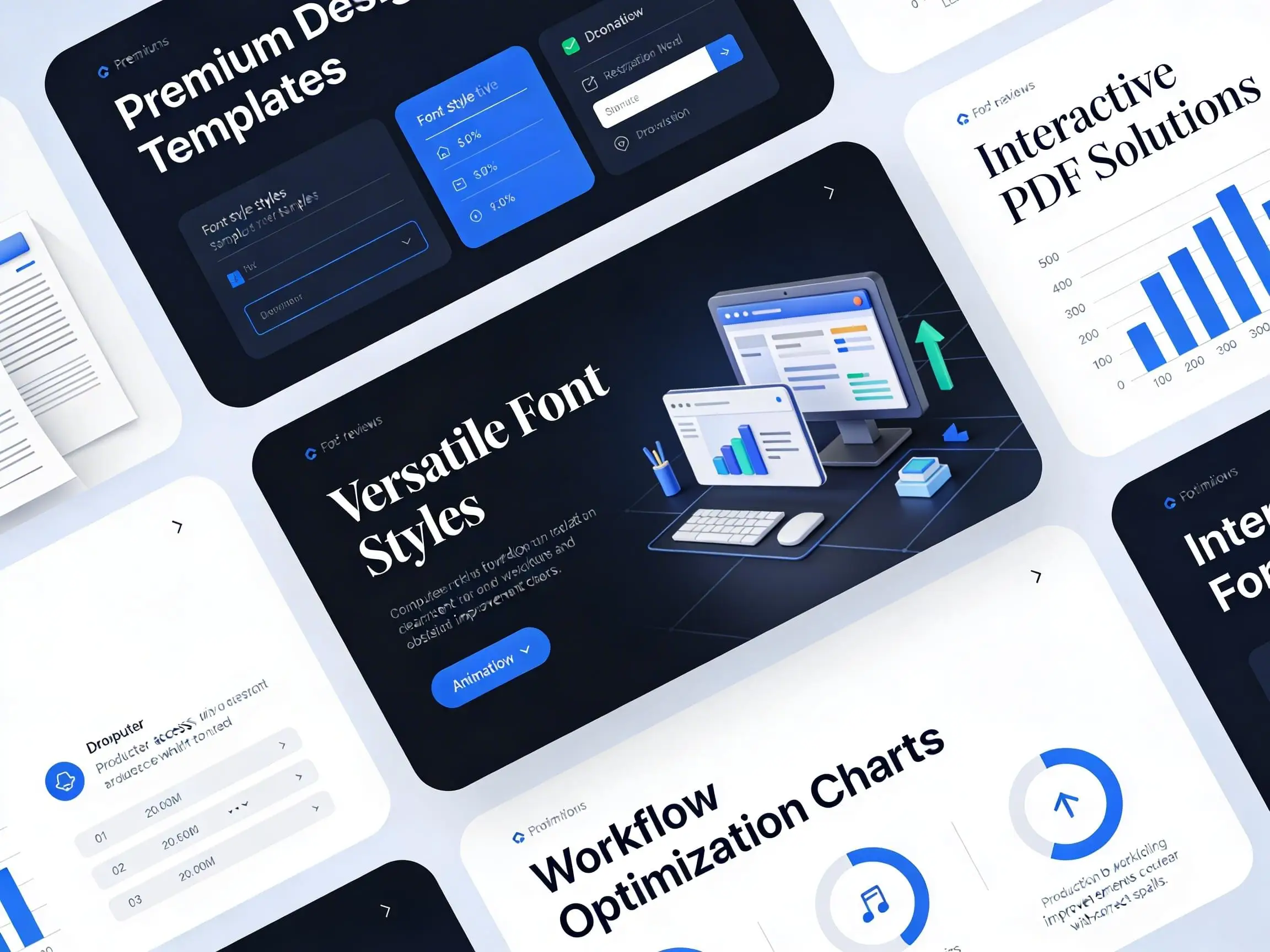
Customised templates contain built‑in styles that lock in your brand’s formatting, colours, and layout, helping teams work faster with fewer errors.
Cohesive. Consistent.
Templates and well‑built styles ensure every document your team produces is professional, cohesive, and unmistakably on‑brand, without slowing anyone down.
TEMPLATES & STYLES
Consistency builds trust — and productivity keeps your team moving.
Templates can refresh existing materials or form the backbone of a new suite, making everyday communication faster, easier, and visually aligned. Internal documents, reports, proposals, presentations, and marketing collateral all benefit from tools designed to look good, work efficiently, and support consistent in‑house production.
Templates can be created in Adobe InDesign, Microsoft Word, and PowerPoint, tailored to your brand, your workflow, and the way your team actually uses them.
To support smooth adoption, step‑by‑step user guides or on‑site training sessions can be provided so staff feel confident using the new styles and templates correctly and consistently — reducing errors, rework, and production time.
For high‑volume or repetitive tasks, custom modules with pre‑set styles, element libraries, and reusable components streamline the process even further, helping internal teams work faster while maintaining complete brand consistency.
Templates and styles aren’t just about presentation.
They’re a practical foundation for clarity, efficiency, and reliable, professional communication — every time.
Why Clients Choose this Service
• Consistent, professional documents that stay on‑brand every time
• Faster workflows with less manual formatting and fewer errors
• Easy‑to‑use templates and styles that give staff confidence at any skill level
• Stronger, more cohesive proposals, reports, and presentations
• Scalable systems that support high‑volume work and long‑term productivity
Frequently Asked Questions
1. How do templates help my team stay consistent?
2. Can these templates be used for internal documents?
Yes — they’re ideal for internal reports, forms, proposals, presentations, and everyday communication.
3. Which programs can templates be created in?
Templates can be built in Adobe InDesign, Microsoft Word, and PowerPoint, depending on your workflow.
4. Will my team know how to use the new styles?
It is highly recommended to include user guides and on‑site training as an optional service. These guides are created specifically for your templates and styles, giving staff the clarity and confidence needed to use them correctly — reducing errors, rework, and production time.
5. Can templates with styles speed up our workflow?
Customised templates contain built‑in styles that lock in your brand’s formatting. Depending on the complexity of the project, colours, modules, and layout can also be locked in, helping teams work faster with fewer errors and less manual formatting.
6. What if we produce a high volume of documents?
Custom modules with reusable elements and style libraries streamline repetitive tasks and support large‑scale production.
7. Can templates be tailored to our brand?7.
Yes — every template is customised to your brand guidelines, tone, and everyday workflow. With access to a wide range of template libraries to help reduce cost, or the option to create fully customised styles, each project can be shaped to suit your brand and budget.
8. Do templates replace the need for a graphic designer?
Templates are ideal for quick, repeatable tasks, especially when used by in‑house staff. But when a project requires more advanced layout, brand interpretation, or visual impact, a graphic designer brings the expertise to elevate the work. Templates keep things consistent; a designer ensures the important pieces shine.