A fillable form is a type of interactive document created specifically for collecting information. It can be delivered as a PDF‑based form or as an online form. These forms include fields like text boxes, checkboxes, dropdown menus, and signature areas so clients can enter their details cleanly and accurately without printing or scanning.

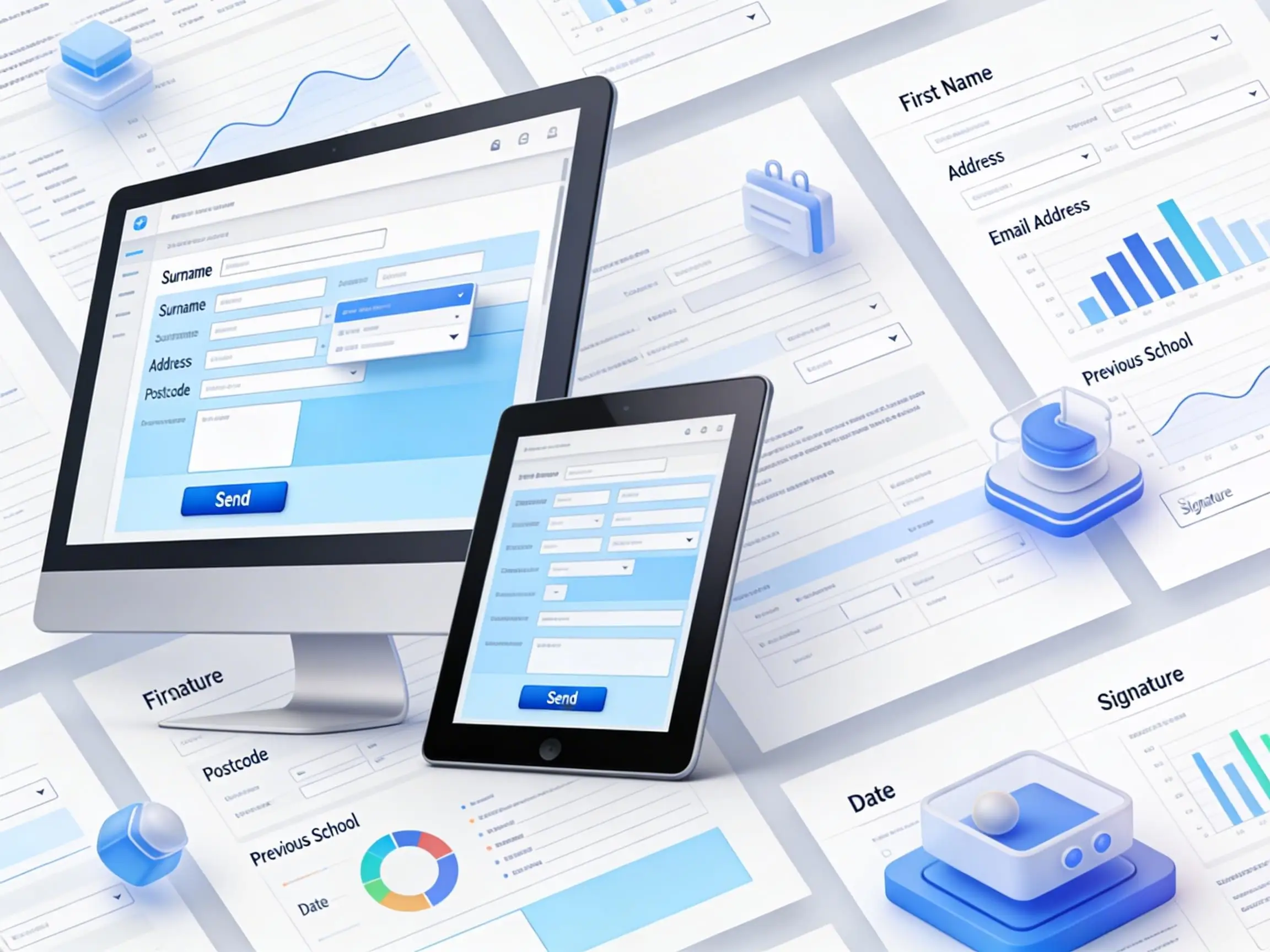
FILLABLE. flowing.
Transform the way you collect information with streamlined, professional digital documents. Clean, intuitive design helps reduce admin time and keeps workflows running smoothly.
Forms and interactive PDFs make data entry simple, accurate, and effortless. Clear layouts, intuitive fields, and brand‑consistent design ensure a seamless experience for both you and your customers.
FORMS AND INTERACTIVE PDFs
Turn everyday paperwork into fast, user‑friendly fillable forms.
Interactive PDFs and digital forms reduce errors, save time, and create a smoother experience for both you and your clients. From simple text fields to advanced automation, every form is built to be user‑friendly, brand‑consistent, and ready for real‑world use.
Forms can be completed online, saved, printed, or emailed back to you — no more manual data entry, scanning, or missing information.
Why Clients Choose this Service
• Clean, modern layouts that feel easy to use
• Professional formatting that reduces admin time
• Consistent branding across all documents
• Forms that work seamlessly across devices
• Smarter data collection with fewer errors
• Reduced manual text entry at the receiving end
• A guided, collaborative process from draft to final production
Interactive PDF Forms
Client intake forms
Membership and application forms
Order and payment forms
Consent and agreement forms
Feedback and evaluation forms
Registration and booking forms
Advanced Form Features
Fillable text fields
Dropdown menus and checkboxes
Radio buttons and multi‑choice fields
Help pop‑ups and tooltips
Page‑to‑page navigation
Email submission buttons
Hyperlinks
Mandatory fields
Digital Document Enhancements
Multi‑page interactive documents
Interactive brochures
Digital handbooks and manuals
Smart PDFs with embedded media
Accessible PDF formatting
Frequently Asked Questions
1. What’s a fillable form?
2. What is an interactive PDF?
An interactive PDF is a digital document that includes clickable or interactive elements — such as buttons, hyperlinks, navigation, dropdowns, or embedded media. It’s designed to guide users, improve usability, and make documents more functional than a standard static PDF.
3. Do they work on all devices?
It depends on the format. Online forms are fully mobile‑friendly and work smoothly on any device. PDF‑based forms vary — simple PDFs usually work fine on phones and tablets, but complex interactive PDFs can be difficult to complete on mobile due to fixed layouts and limited support in some mobile PDF apps. For mobile‑first use, an online form is often the better choice.
4. Why use these instead of paper forms?
They remove the need for printing, handwriting, scanning, and manual re‑typing. Clients can complete forms quickly and clearly, and you receive accurate, legible information every time — reducing admin time and minimising errors.
5. Can the forms match my branding?
Absolutely. Colours, fonts, layout style, and overall design are tailored to your brand so every document feels polished, consistent, and professional.
6. What types of documents can you create?
Everything from simple one‑page forms to multi‑page interactive documents — including intake forms, applications, consent forms, booking forms, feedback forms, onboarding documents, digital handbooks, and more.
7. Can these documents include advanced features?
Yes. Options include dropdowns, checkboxes, radio buttons, required fields, help pop‑ups, navigation buttons, hyperlinks, signature fields, email submission buttons, and more — depending on whether the form is PDF‑based or online.
8. Do interactive PDFs help reduce admin time?
Definitely. Structured fields and clean layouts improve accuracy, while reduced manual text entry at your end speeds up processing and minimises errors.
9. What does the creation process look like?
It’s a guided, collaborative process from draft to final production. You’ll have input at every stage to ensure the document works exactly the way you need. In more complex cases the design is approved as a static version before the interactive properties are individually set.
10. Do clients need special software?
For PDF‑based forms: Most devices can open interactive PDFs using built‑in PDF readers, but support for advanced features varies. Simple fields usually work fine, while more complex forms may require a dedicated PDF app. Adobe Acrobat Reader provides the most reliable experience, especially for saving progress, signatures, and complex field types.
For online forms: No special software is needed. Web‑based forms run in a standard web browser and are fully mobile‑friendly, making them easy to complete on any device.